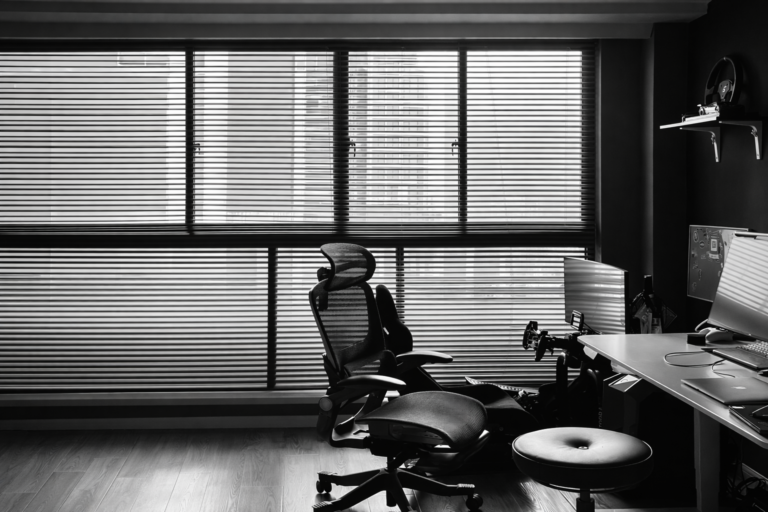

Your office chair could be to blame if your back hurts by 3 PM. People who work at a desk, especially those who sit for lengthy periods of time without sufficient ergonomic support, often complain of lower back pain. Back pain is one of the most common reasons people miss work in the US, and sitting for lengthy periods of time is a big reason why.
If you sit on an office chair that hurts your lower back every day, it impacts more than just how comfortable you are. If you don’t pay attention to it, it can make it harder to concentrate, slow down production, and cause long-term problems with your bones and muscles. Most of the time, the good news is that the problems can be avoided or fixed. This article explains why office chairs might hurt your back, what to look out for, and easy fixes you can start using right away. You will also learn how to avoid getting lower back discomfort in the future by changing your behaviors and making your chair more comfortable.
Why Office Chairs Cause Lower Back Pain
Your office chair should support your body, not fight it. Sadly, a lot of seats are poorly made or not set up well, which puts extra strain on the lower back and spine.
Not having enough lumbar support is one of the most common problems. The lower back has a natural curve that goes inward. If a chair doesn’t support this curve, the spine is pushed into an unnatural position. Over time, this might put stress on the low back’s muscles, ligaments, and discs.
Another important thing is the height of the seat. If your chair is excessively high, your feet may not be able to rest flat on the floor, which might put more pressure on your lower back. If it is too low, your knees will be higher than your hips, which will make you slouch or slump. Both of these stances make it hard to sit up straight.
Bad posture and sitting for lengthy periods of time typically go hand in hand. A lot of people who work in offices sit for six to eight hours a day or more. The Centers for Disease Control and Prevention say that most adults who work at desks spend most of their workday sitting down, which raises the risk of back pain and spinal discomfort.
Uncomfortable materials, worn-out padding, and backrests that can’t be changed also make things worse. Over time, a chair that doesn’t support weight uniformly can make pressure spots that hurt muscles and the spine.
Signs Your Office Chair Is Harming Your Back
Pain in the lower back doesn’t usually start as sharp or very bad. The warning indicators are often small and easy to miss.
Stiffness in the lower back, pain after sitting for a long time, and pain after getting up from a chair are all common symptoms. Some people feel a dull discomfort in their lower back that gets better as they move around, while others feel tightness that spreads into their hips or upper legs. In more serious cases, you may have sciatica-like symptoms, such as tingling or pain that spreads down one leg.
If your pain becomes better when you leave work or worse during the day, your office chair and the way you sit are probably to blame. These are clear signs that you need to do something before the problem becomes worse.
How to Fix Lower Back Pain Caused by Your Office Chair

Change the way your current chair supports you
Before you buy a new chair, try making changes to the one you already have. When done right, small improvements can make a big difference in back discomfort.
Start with the height of the seat. Make sure your knees are at a 90-degree angle and your feet are flat on the floor by moving your chair around. Your hips should be a little higher than your knees. This helps keep your spine in the right position.
Next, pay attention to the backrest. The backrest should fit the natural contour of your lower back. Put the lumbar support on your chair so that it fits securely on your lower back, not your mid-back.
The height of the armrest is also important. Armrests should hold your arms up without pushing your shoulders up. When you set it up right, your elbows should rest close to your torso at a 90-degree angle. This takes some of the pressure off your shoulders and upper back.
Add Supportive Accessories
Accessories can make your chair better without spending a lot of money if it doesn’t have the right characteristics. One of the most prevalent treatments is lumbar cushions. These cushions assist in filling in the space between your lower back and the chair, which supports your spine and eases muscle strain.
If the cushioning on your seat has worn out, seat pads can make it more comfortable. If your feet can’t rest flat on the floor after you change the height of your seat, a footrest can help. A footrest keeps the body in the right position, which helps keep the back straight and relieves pressure on the lower back.
These devices are easy to find on the US market, and ergonomics experts regularly suggest them as temporary fixes for back pain caused by bad sitting posture.
Improve Your Overall Desk Setup
The chair is just one portion of your desk. An improperly set up workstation can’t be fixed by even the best ergonomic chair.
The top of the screen on the monitor should be at or just below eye level. This stops the forward head posture that affects the whole spinal chain. Your keyboard and mouse should be set up such that your wrists stay neutral and your elbows stay close to your sides.
The height of your desk is also important. If your desk is too high or too low, it makes your arms and shoulders sit in strange ways, which can lead to bad posture and back pain. Standing desks or sit-stand converters can benefit those who sit for long periods of time, which is a known risk factor for musculoskeletal pain.
Comprehensive ergonomic workstation guidelines are available from trusted sources such as the National Institute for Occupational Safety and Health at https://www.cdc.gov/niosh/topics/ergonomics.
When It’s Time to Replace Your Office Chair
Sometimes changes and extra parts aren’t enough. If your chair is old, broken, or no longer supportive, it might be best to get a new one.
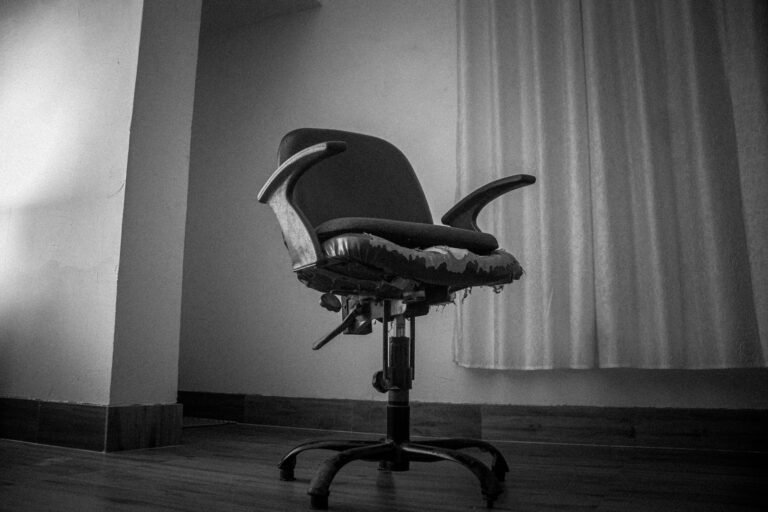
If your office chair has drooping seats, broken lumbar mechanisms, unequal support, or materials that no longer cushion you, it’s time to get a new one. Your chair may be bad for your posture if you have to keep moving around to get comfortable.
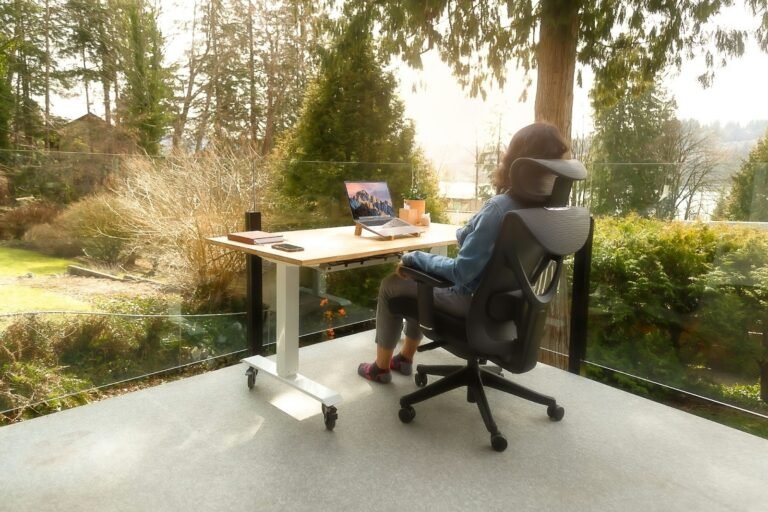
When looking for a new ergonomic chair, pay attention to how customizable it is. Check to see if the seat height, backrest angle, lumbar support, armrests, and tilt tension can all be changed. The materials should let air in and support the body, spreading the weight equally over the seat and back.
Chiropractors and physical therapists typically say that lumbar support is one of the most important parts. Chairs that support the natural curve of the spine put less stress on discs and ligaments, especially when you sit for a long time. Buying a good ergonomic chair can help keep your back from hurting and lower the chance of long-term problems.
Preventing Lower Back Pain in the Future
Stretching and Movement Tips
It’s not good to sit for too long, even on a good chair. Moving around often helps keep muscles supple and blood flowing better. Doing some easy stretches at your desk will help reduce tension in your hips and lower back.
Even standing up for a short time every 30 to 60 minutes will help lessen the bad consequences of sitting for lengthy periods of time. A lot of individuals use timers or apps to remind them to move about. By the end of the day, little motions like standing, walking, or stretching can make a big difference in how comfortable you feel.
Investing in Ergonomic Products
To keep your lower back from hurting, you often need to use the correct equipment and develop excellent routines. Chairs that are comfortable, workstations that can be adjusted, footrests, and monitor arms all help you sit up straighter.
Recent studies of ergonomic products reveal that adjustable furniture makes people more comfortable and less likely to say they have back pain at work. Choosing equipment that is designed with ergonomics in mind is good for your health and your work.
Conclusion
If your workplace chair is hurting your lower back and making it hard to work, you can’t just ignore it. Bad posture, not enough support for the lower back, and sitting for lengthy periods of time all put extra stress on the spine and the muscles around it. The answer often starts with small changes, helpful accessories, and a better layout for your desk.
Upgrading to a well-designed ergonomic chair can help you feel better for good and stop problems from happening in the future when these actions aren’t enough. Looking at your setup today can help you be more comfortable, focus better, and work in a healthy way over time.
Frequently Asked Questions
Are you ready to make your work more comfortable?
Take a look at our carefully chosen list of the best ergonomic seats and accessories that physical therapists recommend.